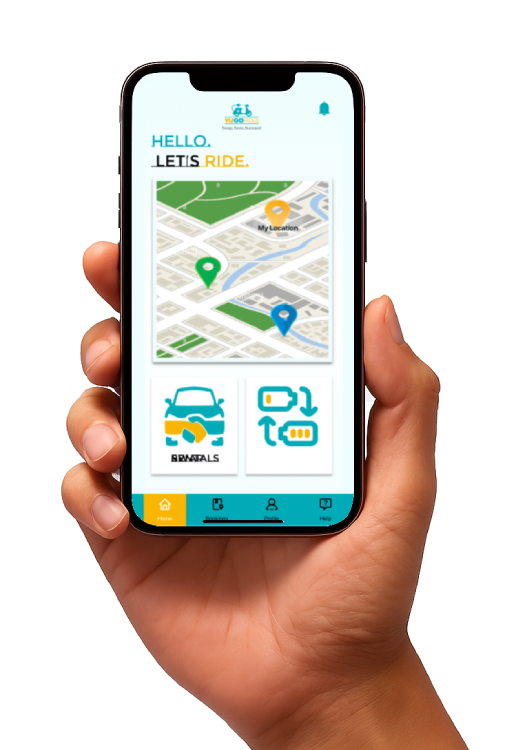
Ready to ride? Just follow these simple steps to begin your journey with YUGO Rides.
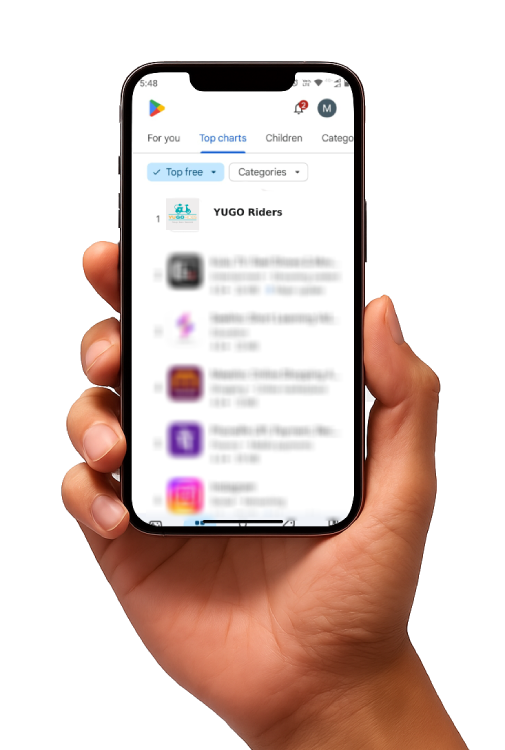
Download APP from Playstore
STEP-1
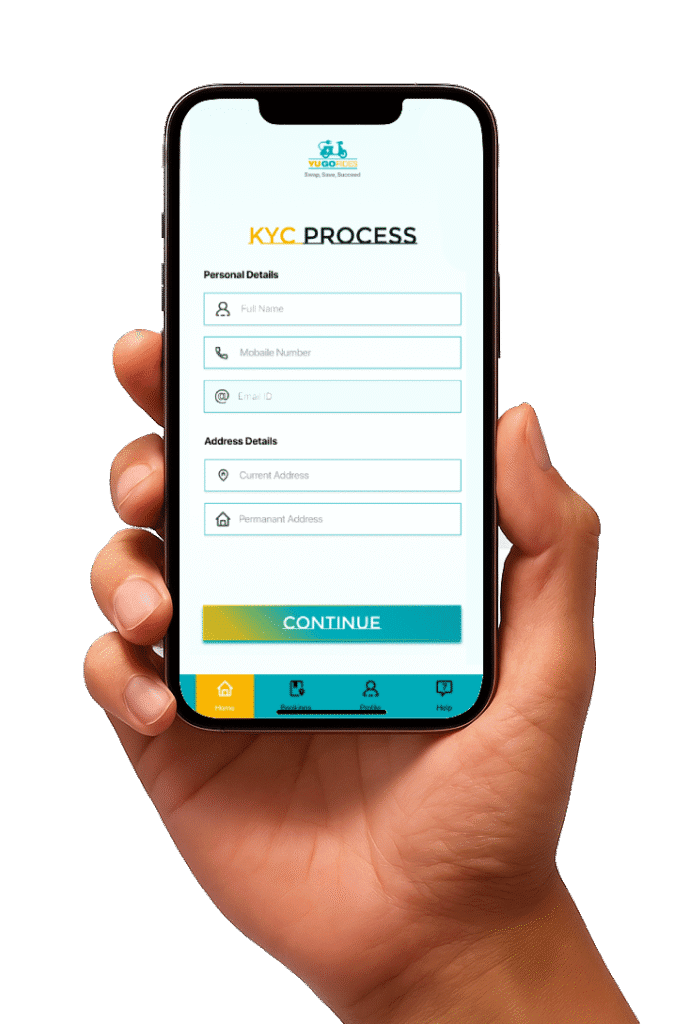
complet your KYC
STEP-2
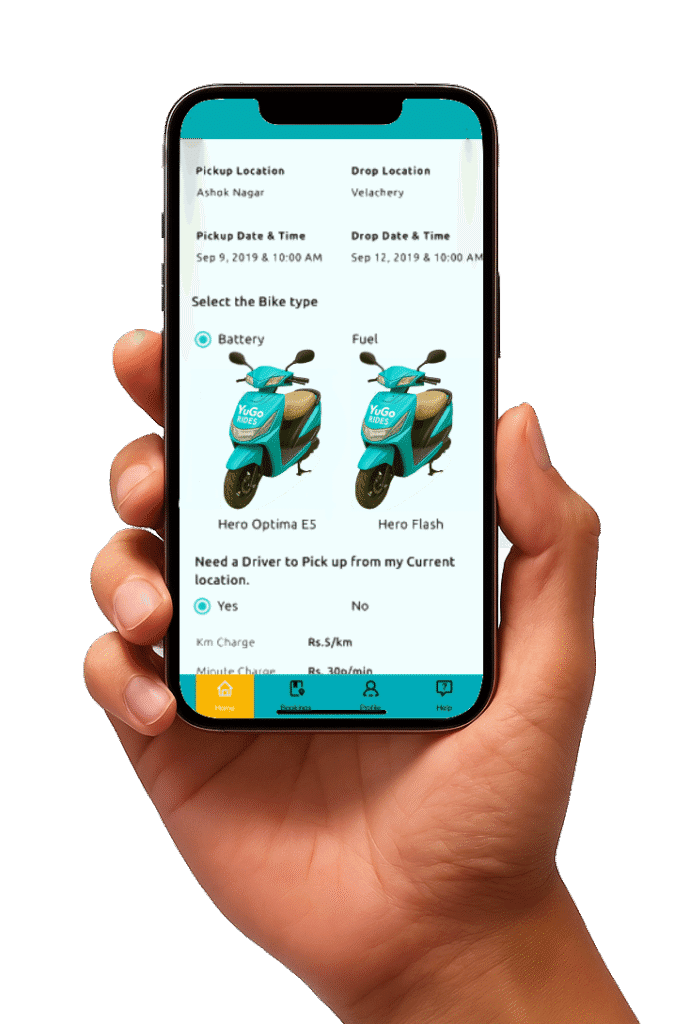
Select Your Plan
STEP-3
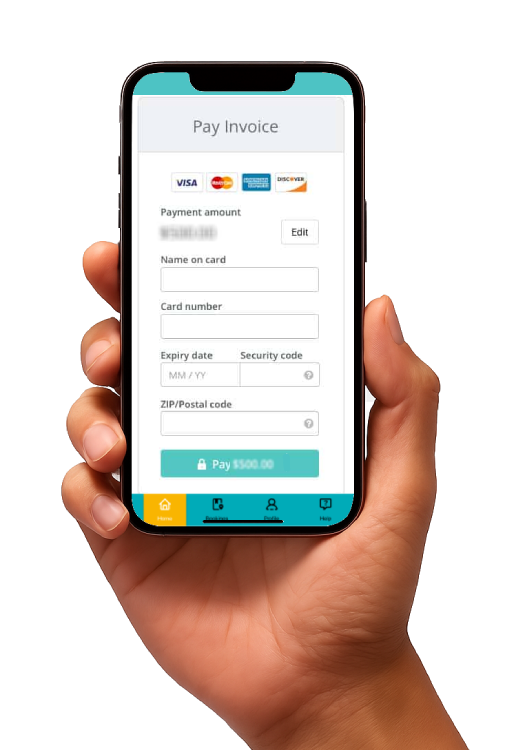
Pay your Fees
STEP-4
Pick up your scooter at a local
STEP-5
Sign Up & Book
Install the YuGO Rides app, complete a quick KYC, and select your preferred rental bundle
Unlock & Ride
Pick up your scooter at a local hub or opt for doorstep delivery. Unlock with one tap in the app—no keys, no hassle.
Swap & Go
When your battery is low, open the app to find the nearest swap station. Scan the station QR code, remove your old battery, and insert a fully charged one—in just 2 minutes.
Return or Extend
At the end of your rental period, drop off at any YuGO hub or renew your plan in-app. Get your security deposit back upon safe return—no surprises.